Build the show. Run it. Keep it running.
V:I:I:Y is professional Windows media server software for LED screens, projections, live shows and multi-screen installations. The built-in AI turns stage plans, timecode and media files into a ready-to-run show, with full show control (cue lists, timecode, MIDI, OSC, DMX) and automatic backup on a second computer — both machines covered by one license.
Public release: September 2026 · Perpetual license €399 for the first 100 operators — then €549 · two activations: main + backup · Beta is free until release
Turn a vision into a show
See it in three minutes
A stage PDF, a timecode sheet and a media folder go in. The AI reads all three — it recognises the screens in the plan, the running order in the script and the media in the folder, then lays out the canvas and outputs, distributes the files across the cues and chases the timecode. A whole show, turnkey, in about three minutes — and a backup machine mirrors it live and keeps it running if the master drops.
Why VIIY
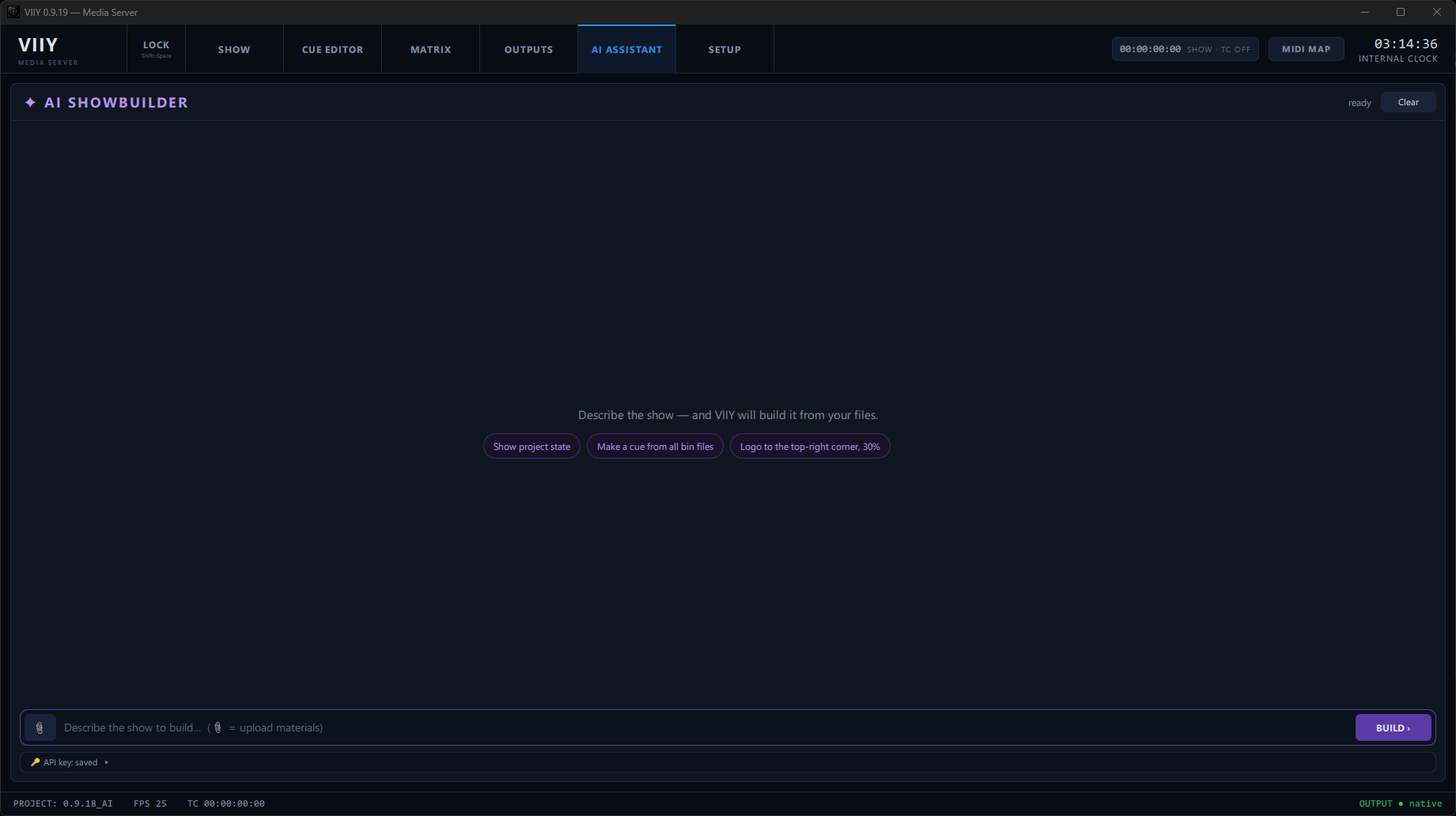
Stage plan + timecode + media become a runnable show. AI-assisted setup lays out screens, builds cues and matches your media — you review and adjust.
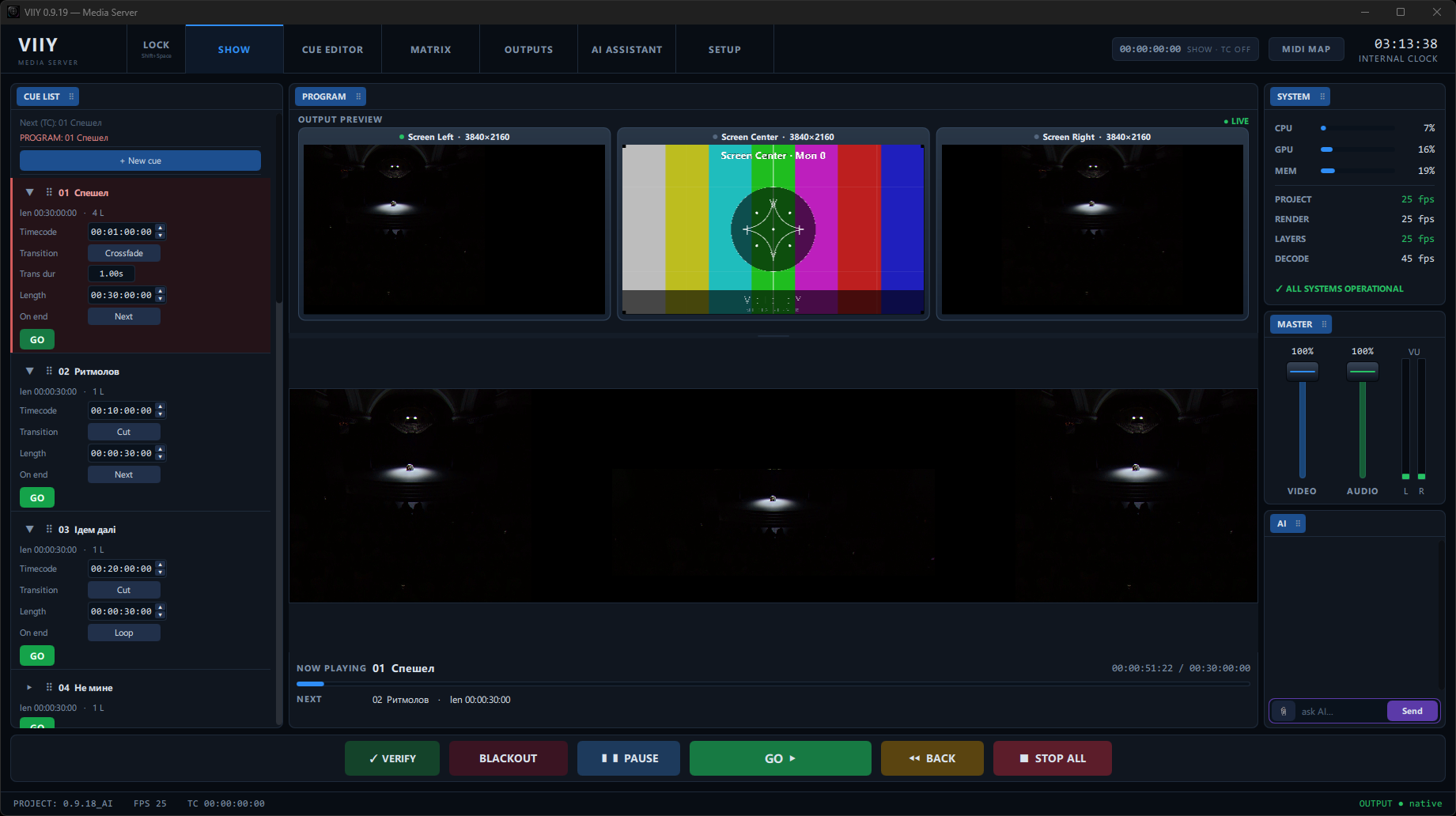
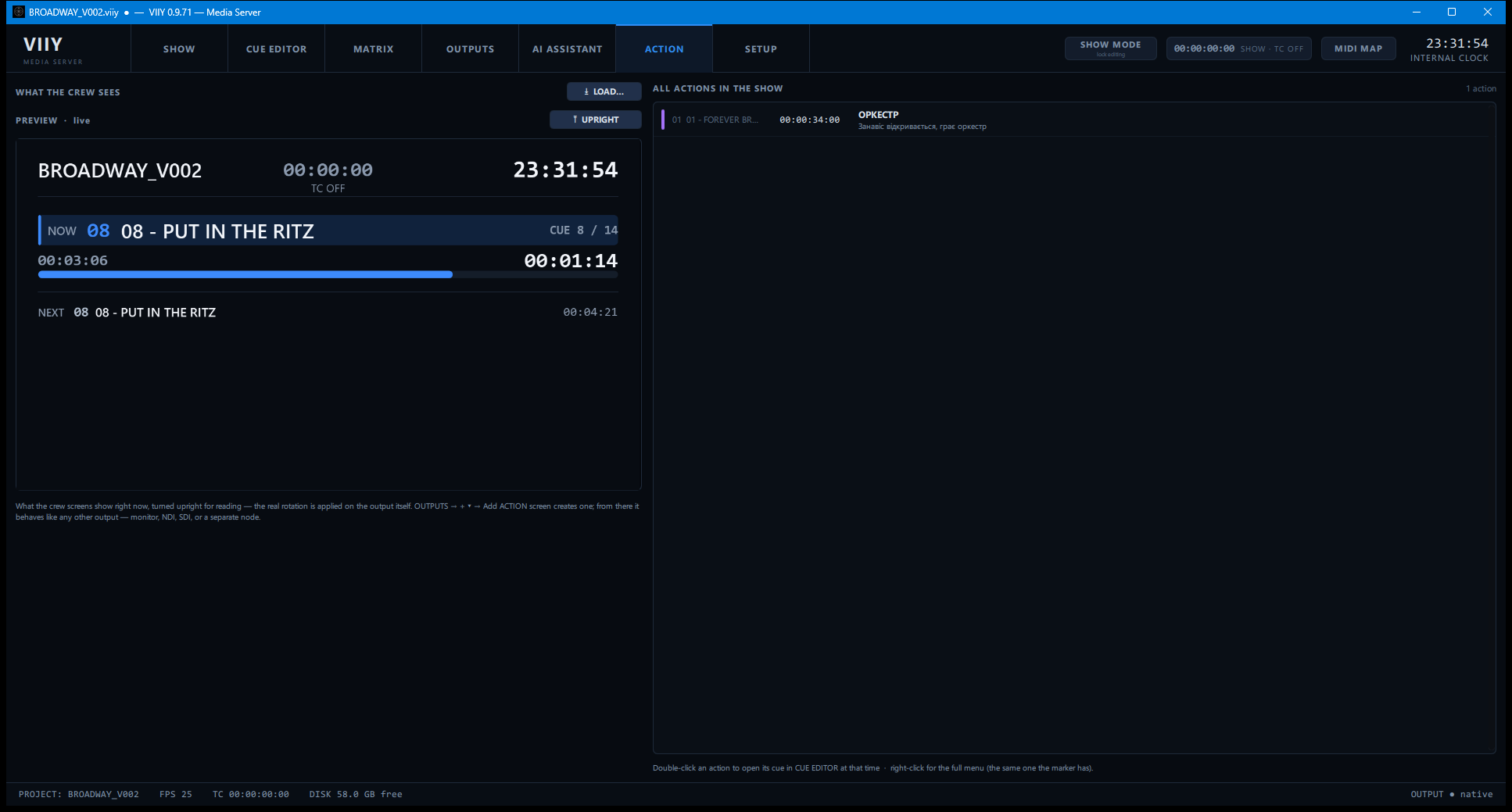
Program-first cues so you edit the air deliberately. Frame-accurate timecode, autosave and crash recovery keep the running show intact. And the crew gets a screen of its own — what is on air, what is next, what to do — driven by the same cue list.
A main machine and a backup, synced live. If the master drops mid-show, the backup lights the outputs and the audience never sees it.
“I built V:I:I:Y for the operator I was, for the operator I still am, and for the operators who will run it next.”
Vitalii Pravdin — video designer and technical specialist, founder of Pravdin Production. 25+ years of real shows.
Signal flow
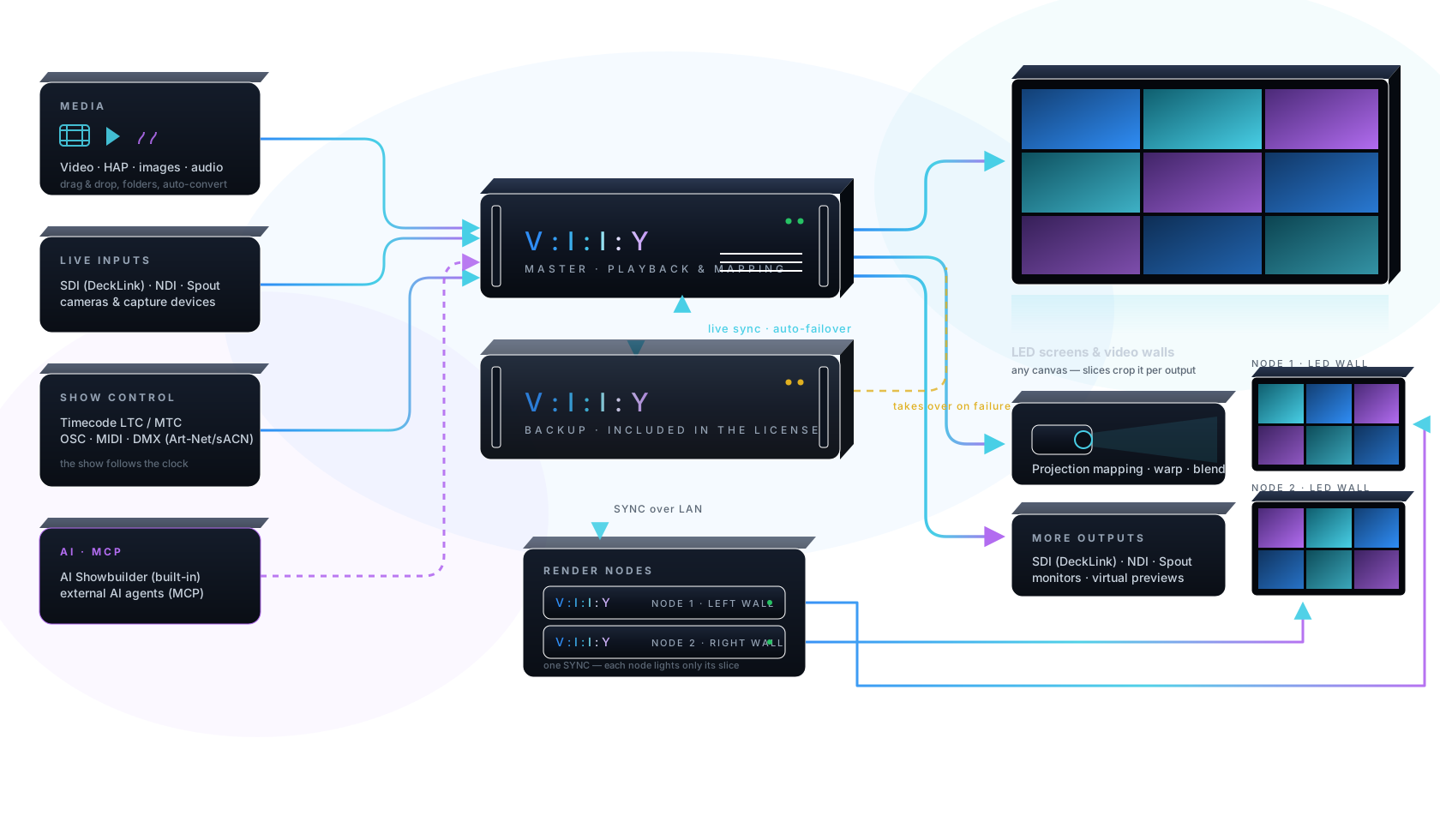
Media files, live SDI/NDI inputs and show control — timecode, OSC, MIDI, DMX, even an AI agent — flow into the VIIY master. A live-synced backup machine stands by to take over mid-frame, and render nodes split giant walls across machines: one SYNC, each node lights only its slice. On the other end: LED screens and video walls, projection mapping, SDI, NDI and monitors.
Real-time FX
Point a camera at the stage, pick a colour, and the effect is born from those pixels — in real time, on the show server, not in a render tool afterwards.
A performer in a dark costume with a white trim: pick white, and sparks, snow or embers fly off the trim. GPU particle system with eight presets — snow, rain, sparks, embers, smoke, confetti, magic dust, bubbles.
Branching bolts that strike a colour you choose. A node mesh drawn over the moving image. Volumetric clouds and a Gerstner-wave ocean with sun glitter — all generated live.
Right-click any effect parameter and link it to a frequency band — bass, mids, highs or overall level. Particle rate on the kick, wave height on the bass, glow on the hats. Attack is fast, release is smooth, so it reads as musical rather than twitchy.
Drop ISF shaders (.fs) or Adobe/Resolve 3D LUTs (.cube) into a folder — they appear in the effects library with real sliders, keyframes and MIDI mapping.
Inside VIIY
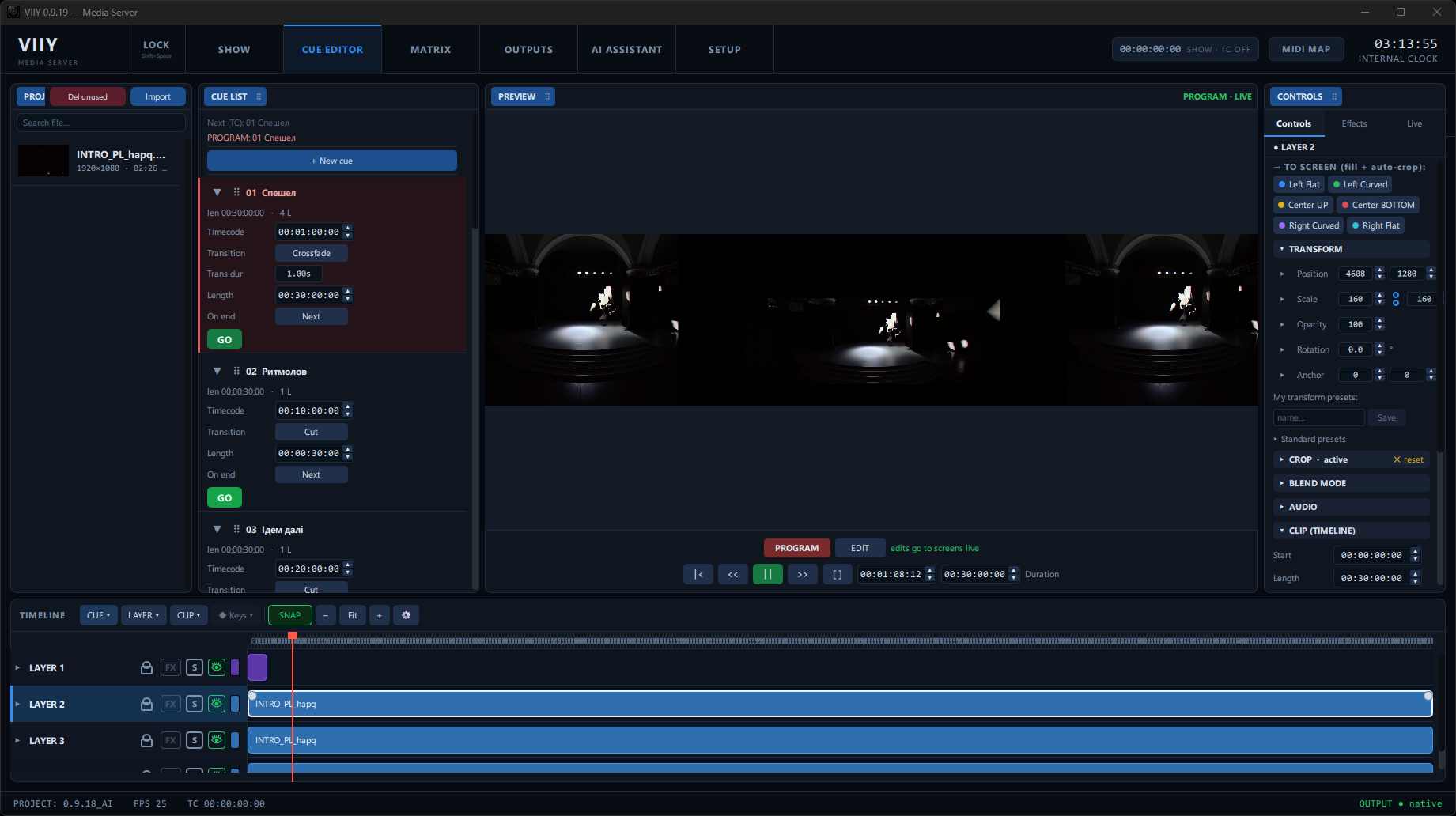
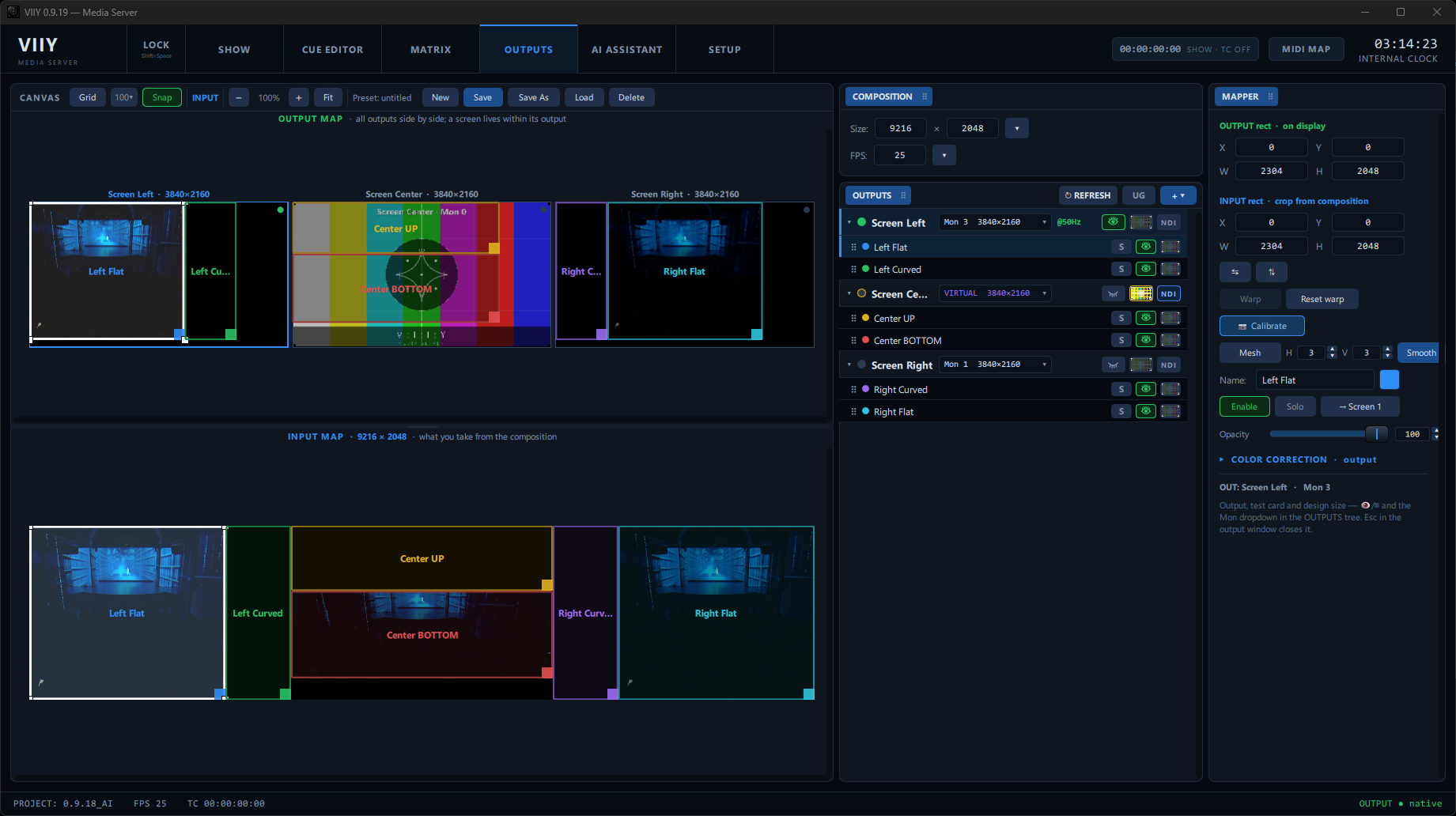
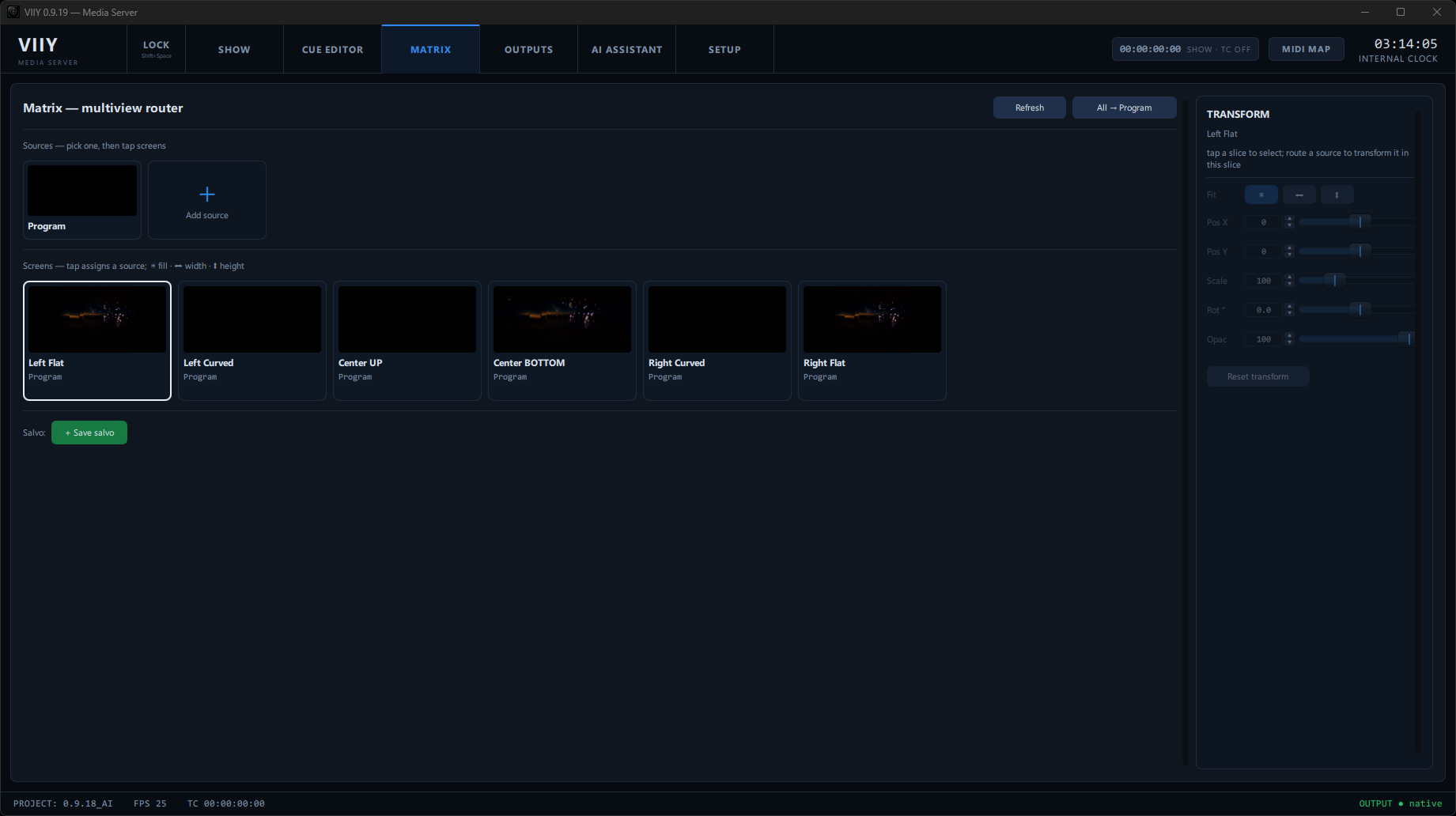
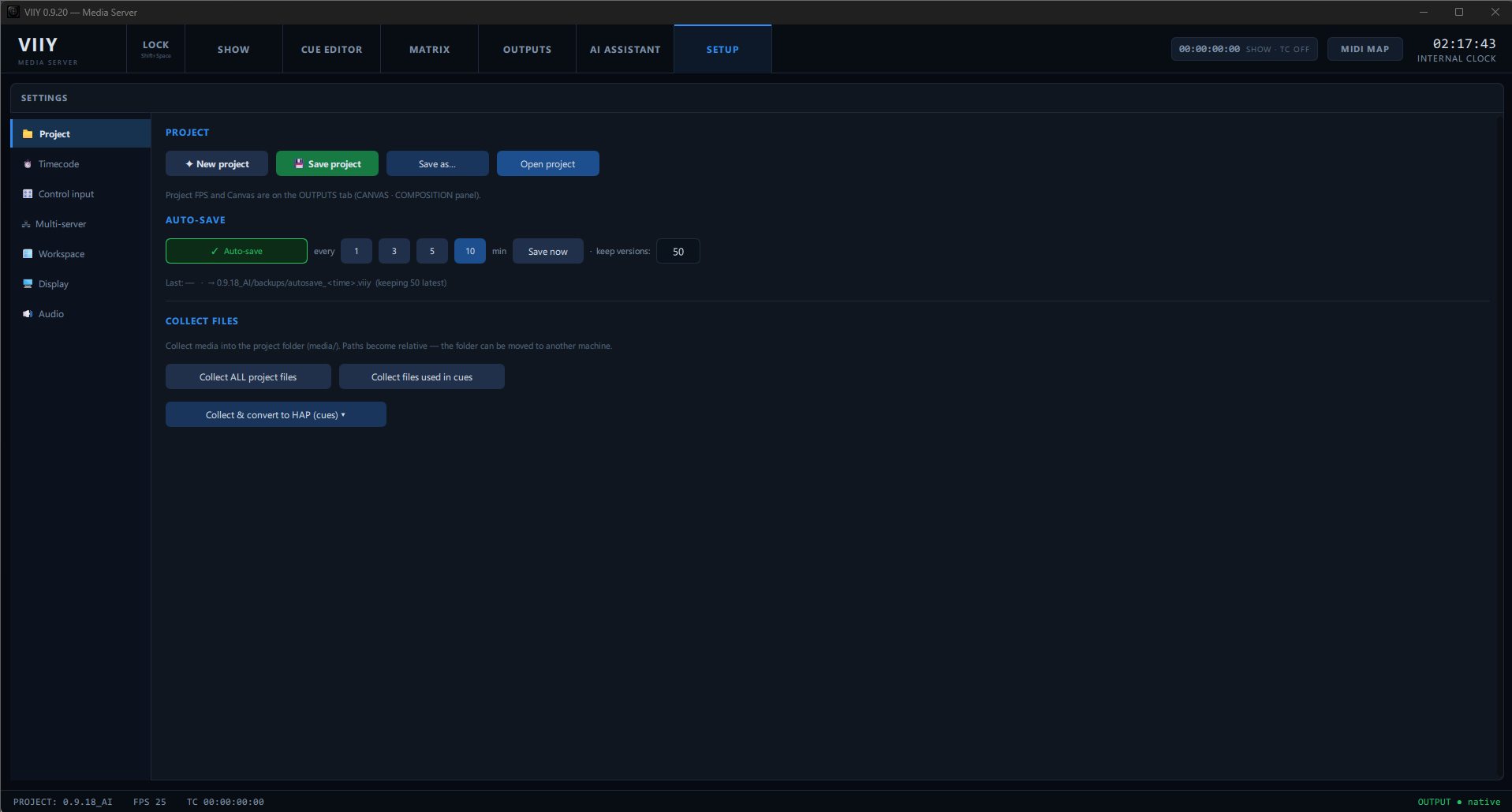
Everything the operator needs, laid out the way a show runs — build it, map it, route it, run it.
Who it's for
Why switch?
You don't have to bet a show on it. Run VIIY next to what you already use and see for yourself.
What's been tested
VIIY is new. Here is exactly what has been exercised so far — no more, no less.
First 20 professional operators
VIIY is ready for its first professional users, ahead of an open launch. Come in early, run real shows, and shape the product — in return for a founder's standing.
Questions
Public release is September 2026. A license is perpetual — you buy it once and keep it: from €399 for the first 100 operators (€549 afterwards), and it covers two activations — your main machine and a backup, not one. Updates come with it for 12 months; after that the software keeps working with clean outputs, and only newer releases need a renewal. Until release the beta is free and fully functional (watermarked outputs). Planning a budget or tender? Write for a formal quote.
No. You can run VIIY alongside your current setup — import the same media, use the same timecode, map the same screens — and keep your existing server as a fallback while you evaluate it.
No. Licensing activates online once; after that VIIY runs fully offline for the whole show. Nothing about playout depends on the network.
An already-activated machine keeps running on its cached license through an offline grace period. A running show is never cut off mid-performance.
No. The AI Showbuilder is an accelerator for setup — it lays out screens and cues from your stage plans and timecode. You can build everything by hand and never touch it.
It works in the editor. Before any bulk change it shows a plan — what it will update and where it's unsure — for you to confirm. The running program stays under your control.
Yes. One license covers a Main + Backup pair. A separate machine for a different, parallel show is a second license.
The backup, synced live to the master, lights its outputs automatically and continues the show. Returning control to the master is a deliberate operator action, not automatic.
HAP / HAP Q media, NDI in and out, Blackmagic DeckLink, and Spout. Control via Art-Net / sACN, LTC / MTC, OSC and MIDI.
Windows 11, 64-bit, and a Direct3D 11 GPU (any modern card). Blackmagic capture/output needs Blackmagic Desktop Video installed.
There is no artificial cap — no "up to 4K" licensing tiers. Honestly: output resolution depends on your GPU, codec, frame rate, layer count and project complexity. HAP playback keeps decoding on the GPU, which is what makes very large canvases practical; for walls beyond one machine, render nodes split the canvas so each machine drives only its slice.